 Case study
8 rooms, 5 languages, all week long
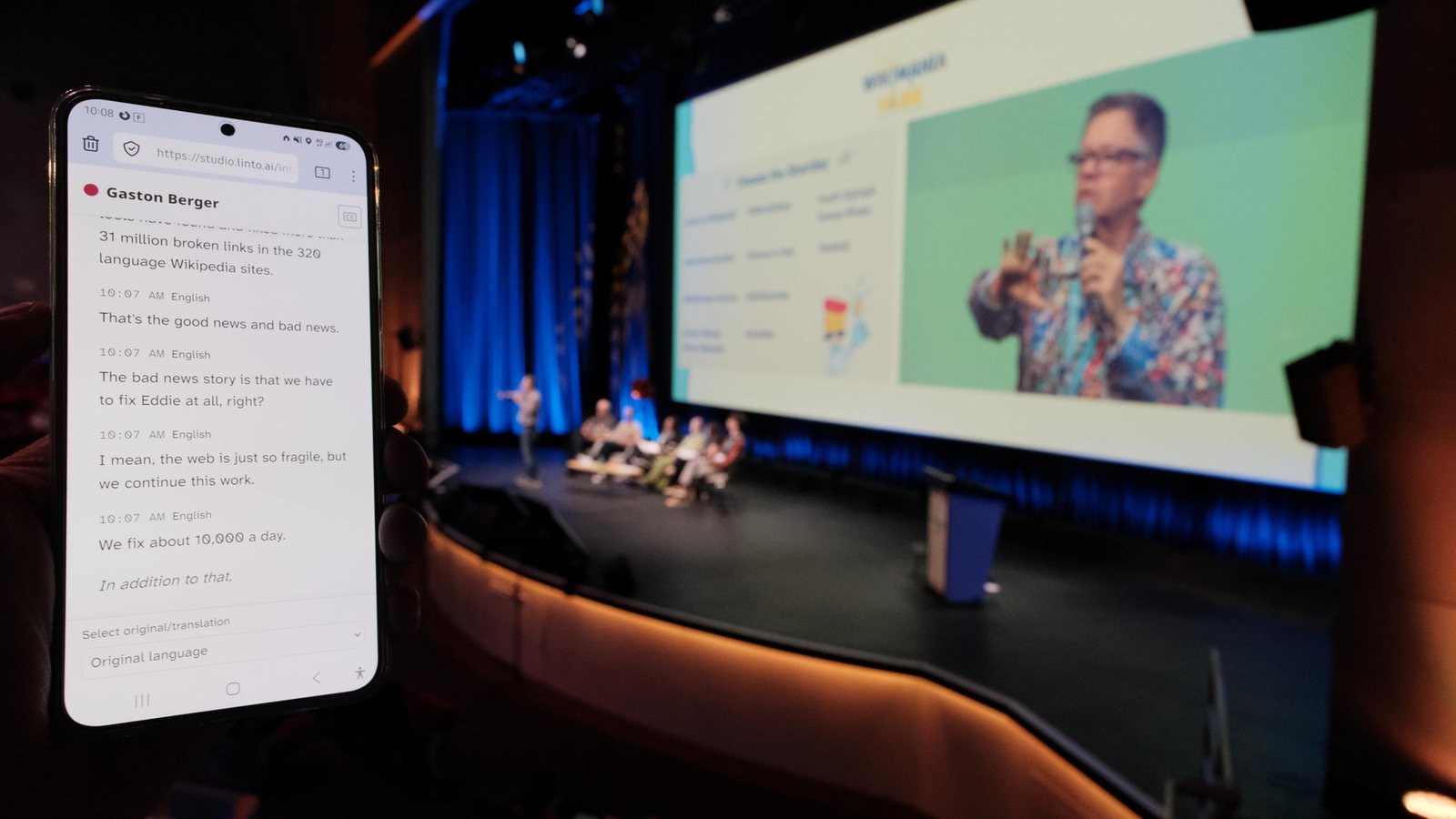
The Wikimedia movement gathered at the Cité des sciences, 21 to 25 July. LinTO transcribed and translated every session live, with a LINAGORA operator on site.
Speech is transcribed and translated in real time, displayed on the room screen and on every attendee's phone through a QR code. Handled by our team for your event, or run by yours all year.


Your audio, our engine, your audience.
Your AV team sends the audio of each room, like a YouTube or Twitch live stream. For an online meeting, a bot joins Teams, Jitsi, BigBlueButton or Visio. For a small room, a microphone in a browser is enough.
Each room has its own channel and languages. Speech is transcribed in its own language, then translated into as many languages as you need, sentence by sentence, with no flickering text.
One page per session, opened by QR code or link: each attendee picks their language and reads, as subtitles or full transcript. A two-line banner for the room screen.
One page per session, public or password-protected. Everyone picks their language and text size. Nothing to install.
Two lines, paced for the room screen or the video feed: comfortable reading speed, no text rewriting itself under your eyes. Embeddable in your own web page.
Several languages per room at once, each attendee picks theirs on their phone.
Audio comes in over SRT or RTMP, one channel per room. Sessions scheduled in advance, automatic start and stop, over several days.
A LinTO bot joins Microsoft Teams, Jitsi, BigBlueButton or Visio (La Suite numérique), transcribes with the participants' names and feeds the same public page.
Our cloud, GPU included, or an installation inside your infrastructure for sensitive sessions. Free software in both cases.
Both use the same platform. The difference is who is at the controls.
You give us the programme, the rooms and the languages. We handle the rest.
Quoted per event, from the number of rooms, days and languages.
For recurring sessions: assemblies, councils, training, internal events. Your team runs it, we train them and stay behind them.
Yearly contract, sized on your hours and languages. Includes a Business workspace for your team's files.
Already on Premium or Business? The live microphone and the meeting bots are in your plan, with prepaid minutes (see live packs). The live events mode adds multiple rooms, AV feeds, scheduling and public pages.
Case studyThe Wikimedia movement gathered at the Cité des sciences, 21 to 25 July. LinTO transcribed and translated every session live, with a LINAGORA operator on site.
 Case study
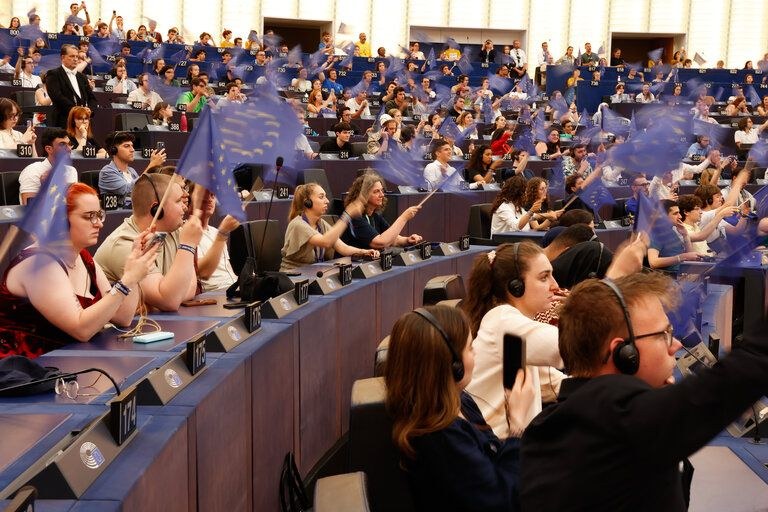
Live transcription and translation for participants in the room and remote, automatic summaries by a sovereign LLM hosted in France.
 Case study
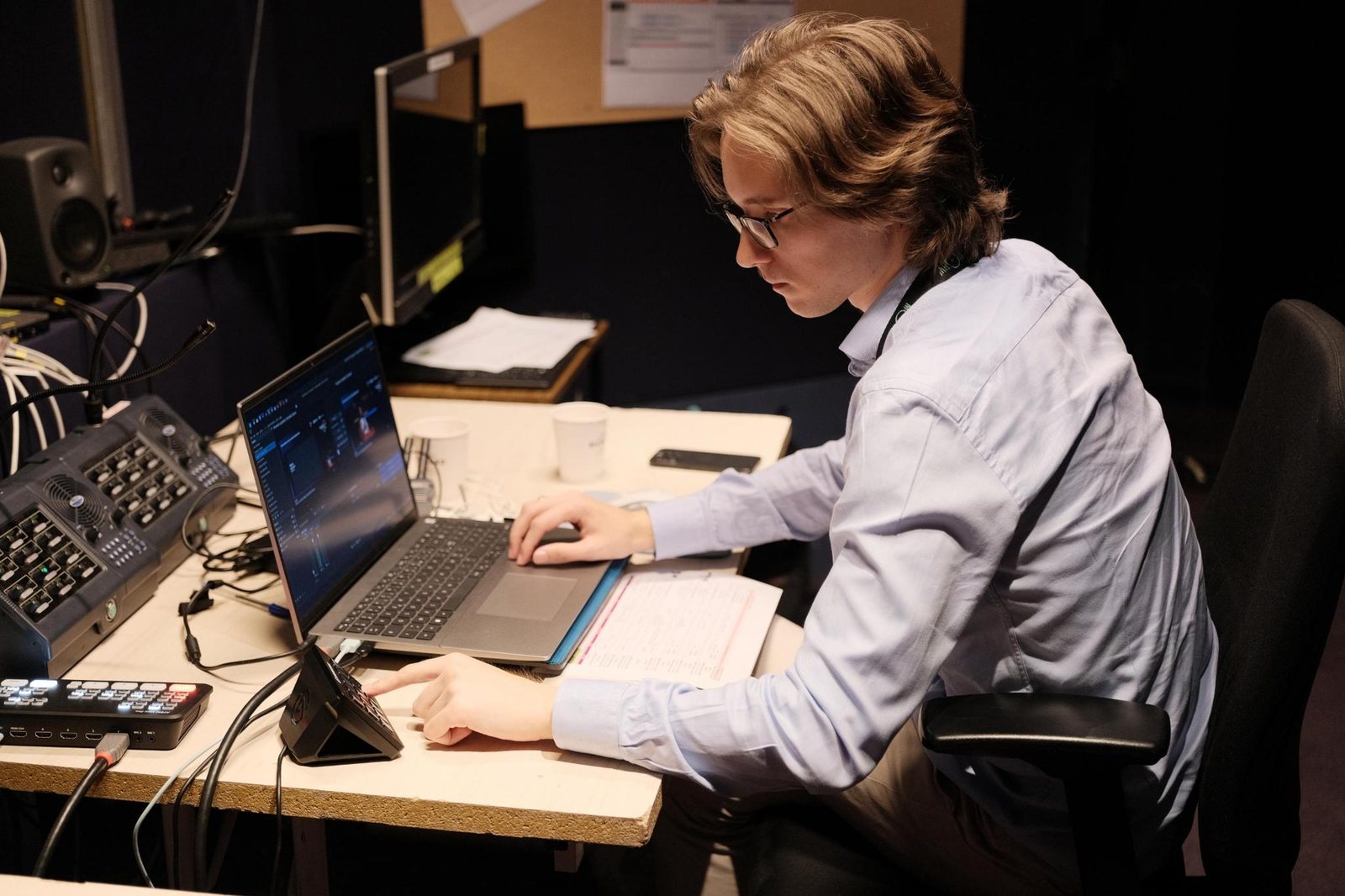
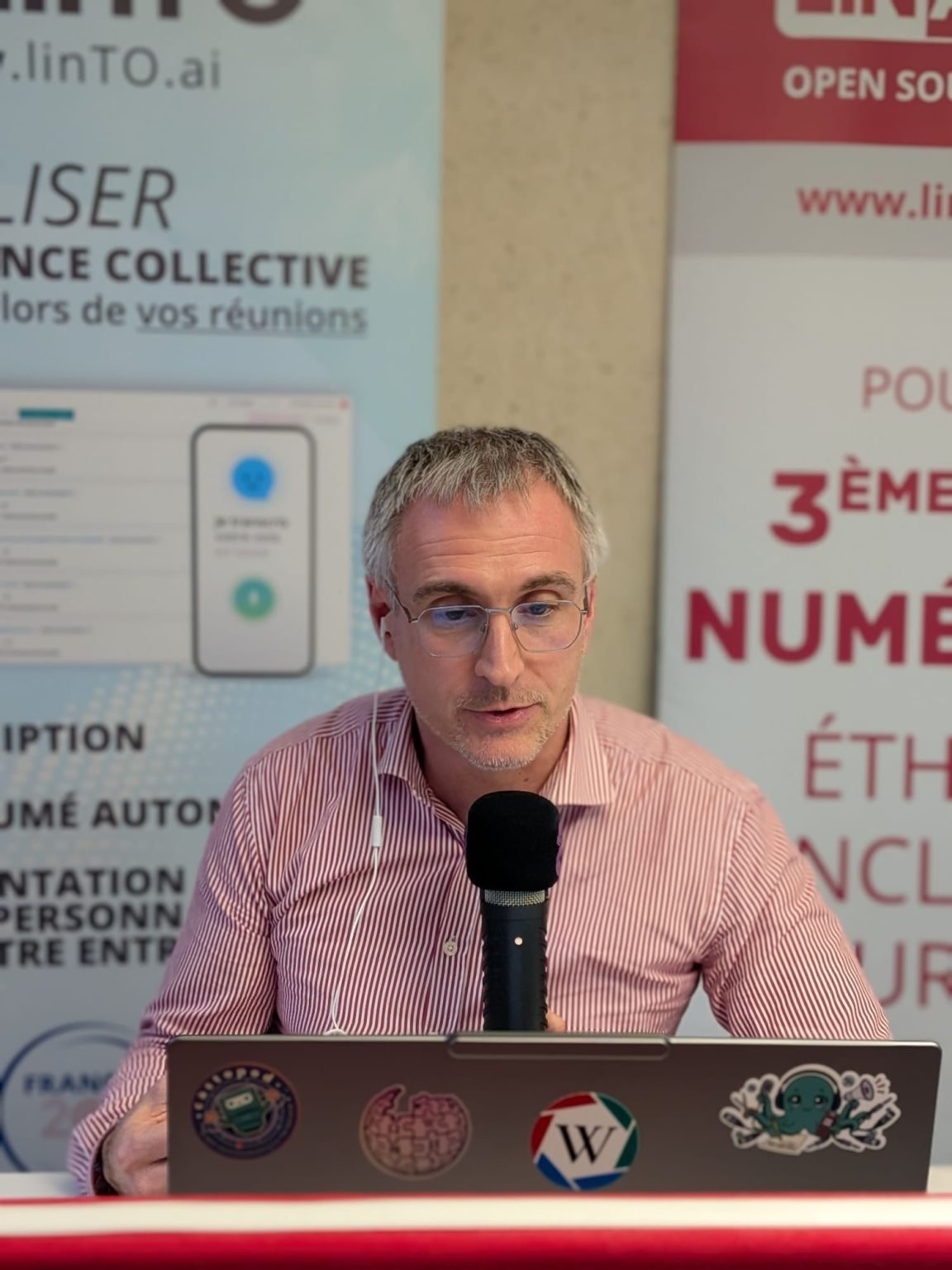
A day of talks in French and English at the Maison de la Radio, transcribed and translated from the control room.
 Case study
A desk and a laptop to follow the day's sessions as text, live.
 Case study
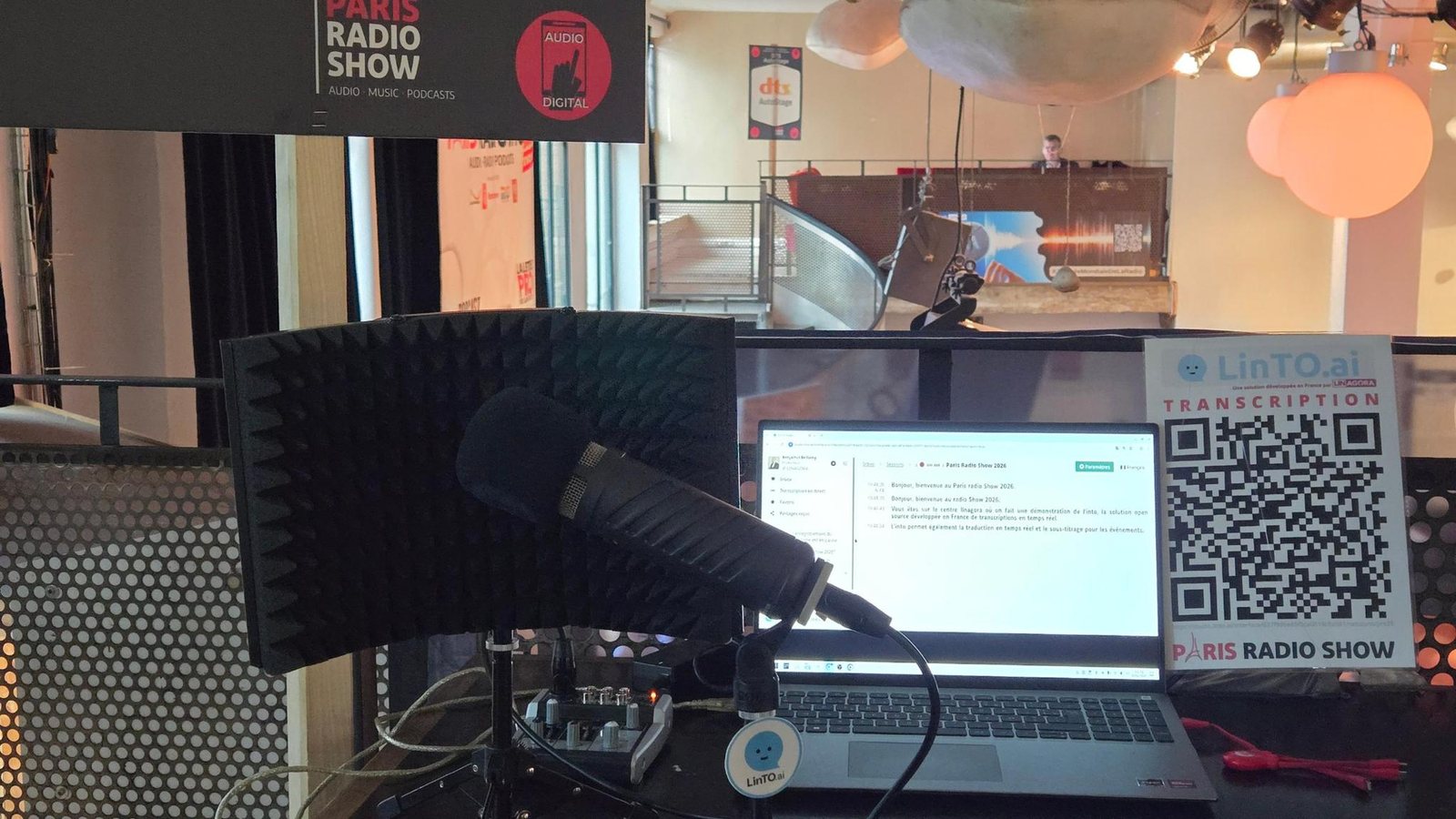
Two days of live transcription on the LinTO booth at Paris Radio Show 2026, La Bellevilloise.
 Case study
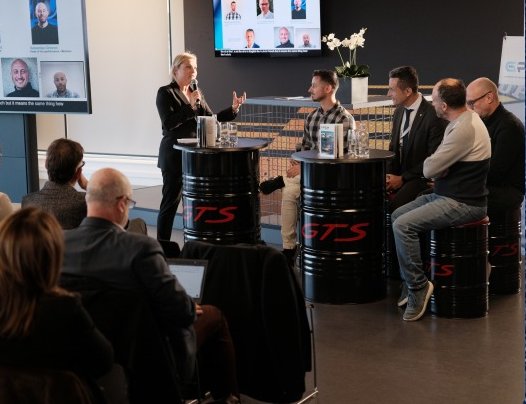
160 international professionals, two venues in one day, transcription on giant screens and translation on phones.
 Case study
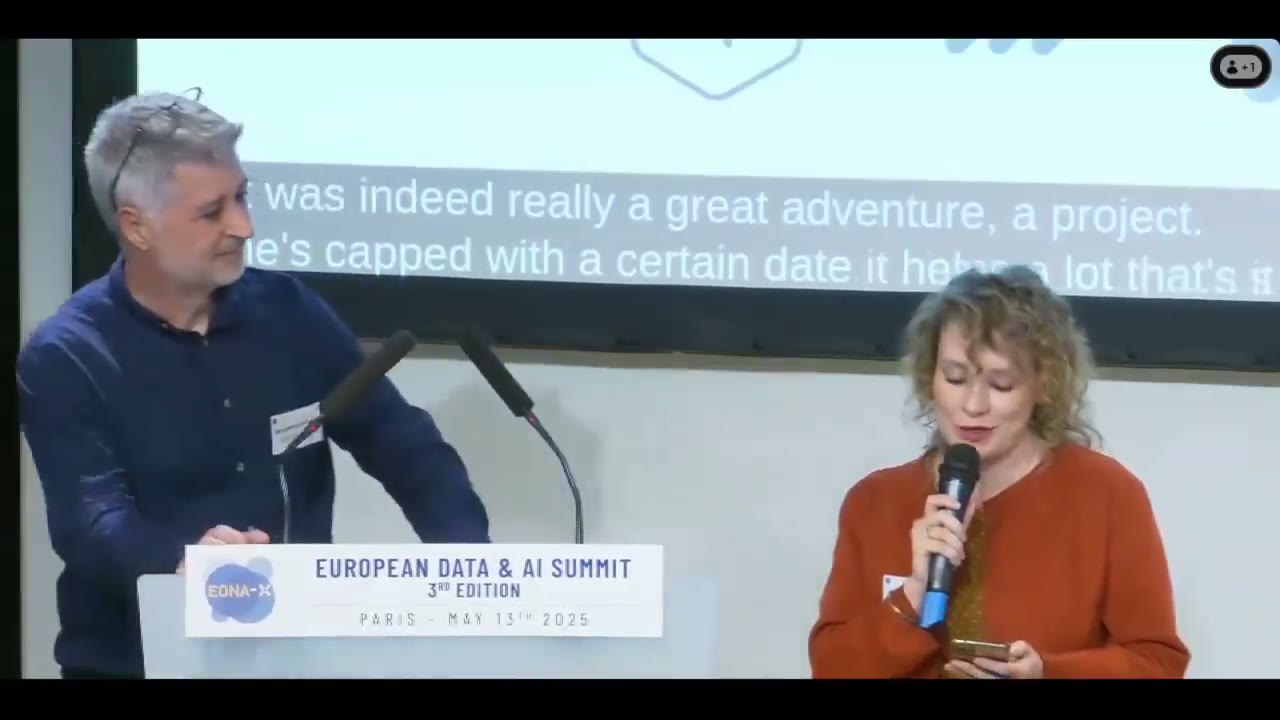
At the EONA-X European Data & AI Summit, the talks were transcribed and translated into English live.
Co-developed with the Commission, Microsoft Teams integration included, and deployed for its meetings. Dedicated models, high security, self-hosted AI: sensitive data stays in-house.
Tell us about your event or your recurring sessions. We answer within two working days.
Prefer email? Write to contact@linto.ai.
A few seconds. Text appears as the sentence is spoken and is finalized when it ends. Translations follow the finalized sentence, a few seconds later.
Send the audio of each room to an address we give them, exactly like a YouTube or Twitch live stream (SRT or RTMP). We test it together before the event. No hardware to rent.
Yes. The public page opens in any phone browser from a QR code or a link. It can be public, password-protected, or reserved to members of your organization.
No, it complements them: a written translation in rooms without an interpreter, and an accessible transcript everywhere. Wikimania 2026 had both: interpreters in some rooms, LinTO subtitles in all of them.
Yes. The full stack, GPU models included, deploys on your Kubernetes or Docker infrastructure. Sensitive sessions never leave your site.
Every session becomes a transcript in your LinTO Studio workspace: editable, with speakers, exportable as DOCX, PDF, SRT or VTT, and summarized on request.